
Sharing a large file can be frustrating when email services reject the attachment, messaging apps reduce image or video quality, or the upload takes too long.
Photos, videos, PDF documents, presentations, and project folders can quickly become too large for traditional attachments.
Fortunately, there are several practical ways to send large files while keeping the original quality. The best method depends on the size of the file, the type of content, and how sensitive the information is.
You do not always need to compress a file or install special software. In many cases, cloud storage or a direct transfer method is more convenient.
Check the File Size First
Before choosing a sharing method, check how large the file actually is.
On Windows, right-click the file and select Properties.
The size will be displayed there.
This matters because a small PDF and a large video require very different approaches.
For example, a 5 MB document may be easy to send through email, while a 2 GB video will probably require another method.
Knowing the size first helps you choose the simplest solution.
Use Cloud Storage for Large Files
Cloud storage is one of the easiest ways to share a large file.
Instead of attaching the file directly to an email, upload it to a cloud storage service and share the file or folder with the recipient.
The recipient can then open the shared link and download the file.
This is particularly useful for:
Videos
Photo collections
Large PDFs
Presentations
Project files
ZIP archives
Cloud storage can also save you from repeatedly uploading the same large file to different recipients.
Check Sharing Permissions
Before sending a cloud storage link, check its permissions.
You may have options such as:
Only specific people
Anyone with the link
View only
Can edit
Choose the least access necessary for the situation.
If the recipient only needs to download a file, giving them editing permission is usually unnecessary.
Sharing permissions are especially important when the file contains private or work-related information.
Do Not Assume a Link Is Private
A shared link should be treated carefully.
If a service allows anyone with the link to access the file, that link may be forwarded to another person.
For sensitive files, use a sharing option that restricts access to specific people when practical.
Before sending the link, check exactly who can access the file.
Keep the Original Quality
One advantage of cloud storage is that the original file can usually be downloaded without the same quality reduction that sometimes occurs in messaging applications.
This is particularly useful for photographs and videos.
Instead of sending a photo through an app that may automatically reduce its resolution, upload the original file to storage and share it.
The recipient can then download the original version when the service supports that behavior.
Use a ZIP File for Multiple Files
When you need to send many files, a ZIP archive can make the process easier.
For example, instead of sending 30 photos separately, you can place them into:
Vacation_Photos_2026.zip
The recipient only needs to download one file.
ZIP files can also help keep related documents together.
Remember that ZIP compression does not guarantee a major size reduction, especially for photos and videos that are already compressed.
Upload a Folder When Appropriate
If your cloud service supports folder sharing, you may not need to create a ZIP file at all.
You can upload a folder containing several files and share the folder.
This can be useful when the recipient needs to work with individual files rather than extracting an archive.
However, check the folder contents before sharing it.
You might accidentally include files that were never meant to be sent.
Be Careful With Sensitive Information
Large files are sometimes also large collections of personal information.
A folder may contain:
Identification documents
Financial records
Private photos
Work documents
Contracts
Personal correspondence
Before sharing a large folder, review every file inside it.
A single extra file can expose information you did not intend to share.
Use the Correct Sharing Method for Videos
Videos are among the most difficult files to send because they can become very large.
When the goal is to preserve the original quality, uploading the original video to a trusted cloud storage service and sharing it is often more practical than sending it directly through a messaging app.
If the recipient does not need the original quality, creating a smaller copy may be reasonable.
However, keep the original video before reducing its size.
Do Not Compress Everything Automatically
Compression is not always necessary.
If the file already meets the size limit of the service you are using, there may be no reason to compress it.
Compression can also reduce image or video quality depending on the method used.
The better approach is to first check the file size and the requirements of the destination.
Use Email for Small Files
Email is still convenient for relatively small documents and images.
If the file fits within the attachment limit and does not need special handling, sending it directly may be the simplest option.
There is no need to move every file to cloud storage when a normal attachment is enough.
The important thing is to avoid forcing a large file through a service that was not designed for it.
Check the Recipient’s Internet Connection
A very large file may take a long time to download.
Before sending a multi-gigabyte file, consider whether the recipient actually needs that full-size version immediately.
For example, someone using a limited mobile connection may prefer a smaller copy.
When practical, ask whether they need:
The original quality
A smaller version
A compressed archive
Or simply a preview
This can make the transfer much easier.
Give the File a Clear Name
A large file should have a useful filename.
Avoid generic names such as:
video_final2.mp4
or:
document_new.pdf
Instead, use a name that tells the recipient what it contains.
For example:
Family_Vacation_2026.mp4
or:
Project_Presentation_September_2026.pptx
Clear names make the file easier to identify after downloading.
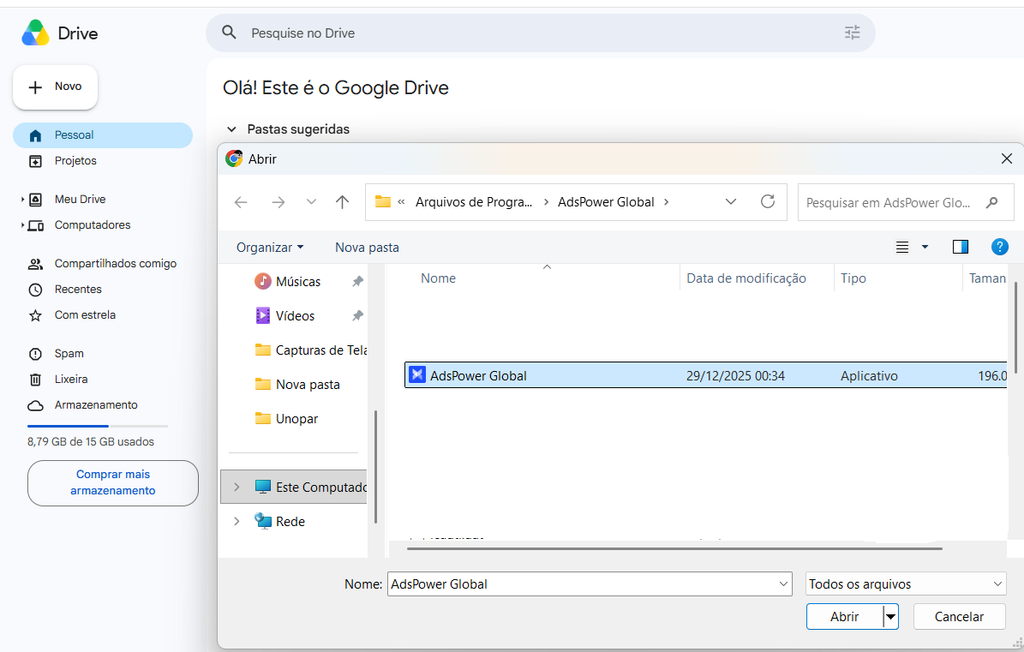
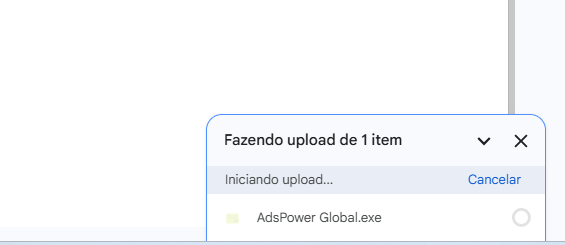
A large file being prepared for upload and sharing from a computer.
Create a Separate Folder for Files You Plan to Share
If you are preparing several files for another person, create a temporary folder specifically for that transfer.
For example:
Files_to_Send
Inside it, place only the files the recipient needs.
This reduces the chance of sharing unrelated documents.
It also makes it easier to review the contents before uploading.
Check the Folder Before Uploading
Before uploading the folder, open it and review everything inside.
Ask yourself:
Do I need to send this file?
Does the recipient need this version?
Does it contain private information?
Is there a duplicate?
Is there an older version that should be removed?
This simple review can prevent many accidental disclosures.
Consider Splitting Very Large Files
Sometimes a single file is too large even for the storage or upload method you are using.
In that situation, splitting the file into smaller parts may be possible with certain applications.
However, this adds complexity for the recipient because all parts must be downloaded and combined correctly.
Use this approach only when necessary.
Whenever possible, a standard cloud-sharing method is easier.
Check the Upload Before Sending the Link
Do not send a sharing link immediately after starting the upload.
Wait until the upload has completed.
Then open the file from the storage service and verify that it is available.
This helps prevent sending a link before the file is fully uploaded.
Test the Shared Link
When practical, test the link before sending it to another person.
Check whether:
The link opens correctly.
The file is visible.
The recipient has the appropriate permission.
The file can be downloaded.
No extra files are visible.
This is particularly important for work documents or important submissions.
Do Not Send Passwords Through the Same Message
If a file-sharing service allows you to protect a file or link with a password, do not send the password in the same message as the link.
If someone gains access to both at once, the additional protection becomes much less useful.
Use a separate communication method when a password is required.
Be Careful With Public Links
A link marked as public or accessible to anyone with the link may be convenient, but it is less restrictive.
For a non-sensitive file, this may be perfectly acceptable.
For private documents, consider whether a more restricted sharing option is available.
Convenience should not automatically take priority over privacy.
Keep a Copy of the File
Before sending an important large file, make sure you still have your own copy.
Do not delete the original simply because it has been uploaded somewhere else.
The upload is a method of sharing, not necessarily a complete backup strategy.
Keep the original in an organized location until you are certain it is no longer needed.
Delete Temporary Uploads Later
A large file uploaded only for a single transfer may not need to remain online forever.
After the recipient has downloaded it and the file is no longer needed, consider removing the temporary copy when appropriate.
This is especially useful for files containing private information.
Do not delete the only copy of something important.
What If the Upload Fails?
Large uploads can sometimes fail because of:
Unstable internet
Limited storage
Browser problems
File-size restrictions
Temporary service issues
If the upload fails, check the file size and your available storage first.
Then verify that your internet connection is stable.
If the problem continues, another transfer method may be easier.
Use a Stable Internet Connection
Uploading a large file can take much longer than a normal web page load.
A weak connection can interrupt the process.
When possible, use a stable Wi-Fi or wired connection for large transfers.
Avoid starting a very large upload when you know the connection is unreliable.
Do Not Use Random File-Sharing Websites
You may find websites promising extremely fast or unlimited file transfers.
Be careful with unfamiliar services.
A file-sharing service may handle your data differently from a trusted storage provider.
For non-sensitive files, an established service may be sufficient.
For private or work-related information, use a service you trust and understand.
Choose the Simplest Method That Works
There is no single best way to send every large file.
For a small document, email may be enough.
For several files, a ZIP archive may be convenient.
For a large video, cloud storage may be better.
For private information, use restricted sharing permissions whenever possible.
The best method is usually the simplest one that satisfies the size, quality, and privacy requirements.
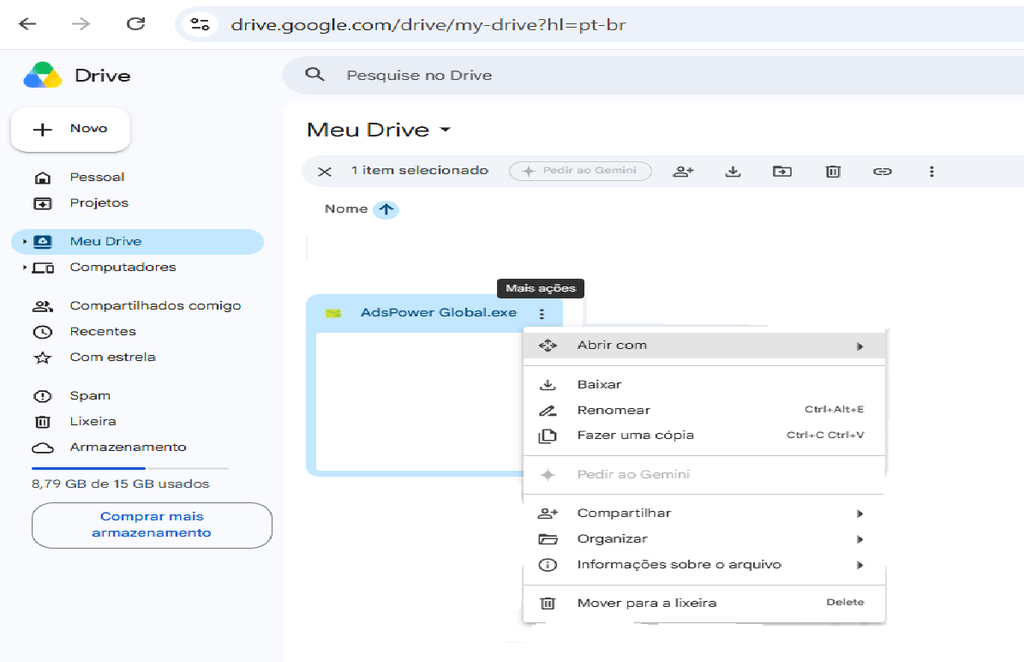
A shared cloud file ready for the recipient to download after a completed upload.
A Simple Large-File Sharing Routine
A reliable process looks like this:
Check the file size.
Decide whether compression is necessary.
Place only the required files in a temporary folder.
Review the contents.
Upload the files using a trusted service.
Check the sharing permissions.
Wait for the upload to finish.
Test the link.
Send the link to the intended recipient.
Keep your original files until the transfer is complete.
This routine is simple enough to use whenever you need to send something too large for a normal attachment.
Common Mistakes to Avoid
One common mistake is sharing an entire folder without checking what is inside.
Another is compressing a file unnecessarily and reducing its quality.
People also sometimes send public links to sensitive files without reviewing the permissions.
Sending the link before the upload is complete can also cause unnecessary confusion.
Finally, deleting the original file immediately after uploading it can leave you without a local copy if something goes wrong.
Keep File Transfers Organized
If you frequently send large files, create a simple system.
Use clear filenames.
Create temporary sharing folders.
Remove old upload copies.
Keep important originals backed up.
This makes future transfers faster and reduces the chance of accidentally sharing the wrong file.
Sending large files does not need to be complicated.
For many situations, the best approach is to check the file size, choose a trusted sharing method, review the contents, and verify the permissions before sending the link.
That approach helps preserve file quality while reducing the risk of failed uploads, unnecessary compression, and accidental exposure of private information.