How to Back Up Photos and Videos on an Android Phone

How to Back Up Photos and Videos on an Android Phone

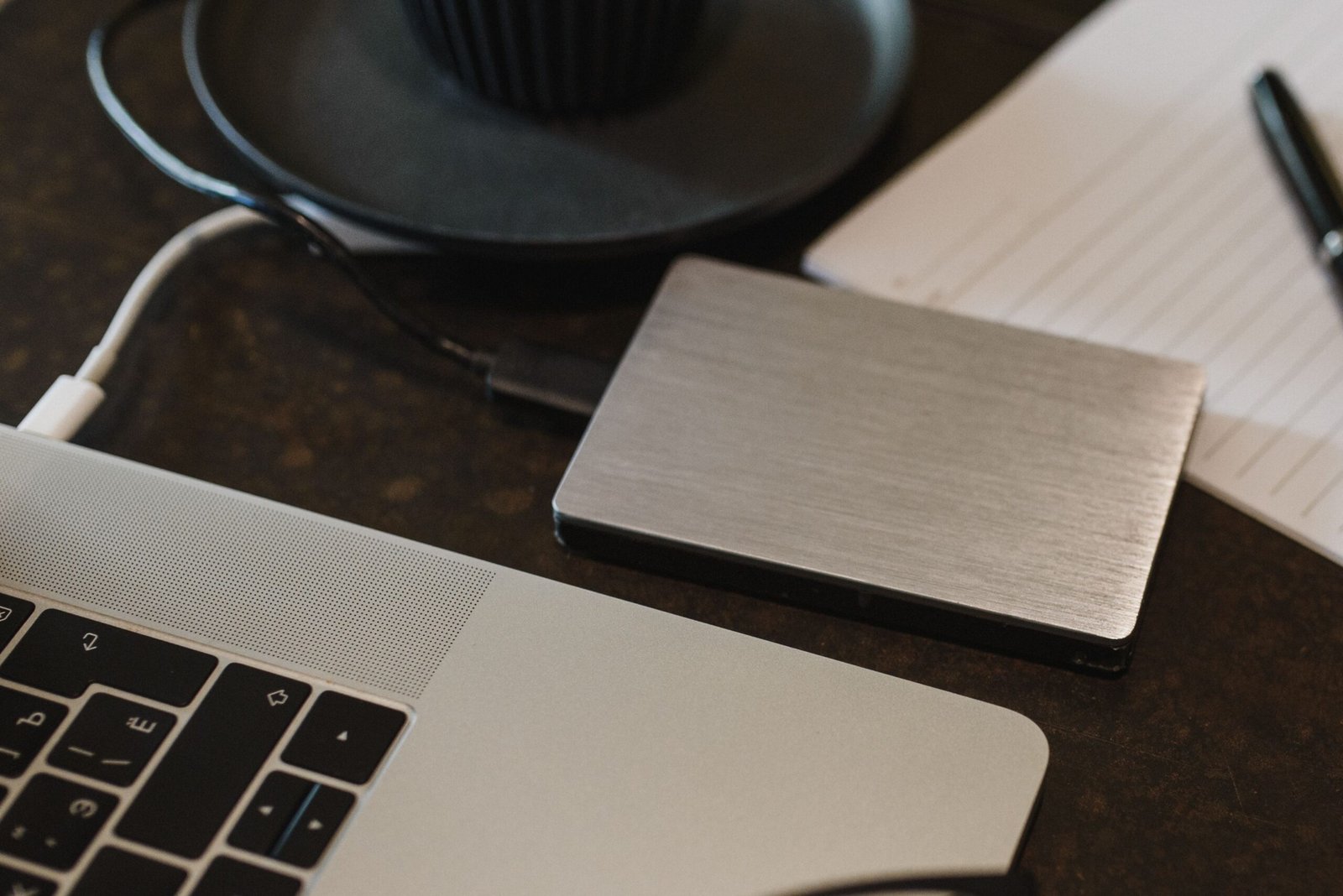
Photos and videos often contain memories, important documents, family moments, and information that cannot easily be replaced. However, keeping every picture on a single Android phone creates a risk. If the device is lost, damaged, stolen, or suddenly stops working, those files may become difficult or impossible to recover. Creating a backup helps protect your … Read more

How to Uninstall Programs on Windows Without Leaving Unnecessary Files Behind

How to Uninstall Programs on Windows Without Leaving Unnecessary Files Behind

Uninstalling a program from a Windows computer may seem like a simple task: open the list of installed applications, select the program, and click uninstall. In many cases, that is exactly what you need to do. However, depending on the application, the computer may still contain settings, temporary files, folders, logs, or other data after … Read more

How to Fix Common Wi-Fi Problems on a Windows PC

A Windows computer that suddenly stops connecting to Wi-Fi can be frustrating, especially when other devices in the same location continue working normally. Sometimes the problem is caused by the wireless router. In other cases, the issue is limited to the computer and may involve the Wi-Fi adapter, network settings, saved connections, drivers, or a … Read more

How to Check Which Programs Are Using the Most Storage on Windows

When your Windows computer starts running out of storage space, it can be difficult to know which programs are responsible. Some applications use only a few hundred megabytes, while others can occupy several gigabytes. Games, creative software, office applications, development tools, and other large programs can gradually consume a significant amount of disk space. Instead … Read more

How to Stop Unwanted Apps From Starting Automatically on Windows

When Windows starts, several applications may open automatically in the background. Some of these programs are useful. Others may be applications you rarely use that were configured to start every time you turn on your computer. Too many startup applications can make the startup process feel slower and can also use memory and processing resources … Read more

How to Free Up Storage Space on Windows Without Deleting Important Files

A Windows computer can gradually run out of storage space even when you do not have many large programs installed. Temporary files, downloads, old updates, applications, system files, and large personal files can accumulate over time. When available storage becomes very low, Windows may also become less convenient to use, especially when you need to … Read more